I have always been a fan of cashbacks, especially the instant ones. Deferred cashbacks can be a hit or a miss - have seen instances of they not coming through at all. Wallet Cos. like Paytm, Amazon Pay, Freecharge all give us cashbacks ranging from tiny amounts like ₹5 to large amounts like ₹250. For long, I counted cashbacks as free money and didn’t worry about tracking them. Just ensured that they don’t expire and used them up. Recently, I was excited to notice that my total cashback earnings were hitting three digits as in ₹300 in some months.
I was trying to create a new resource group on Azure using a Shell script. An app registration was created followed by assigning the ‘Contributor’ role to the Service Principal. However, the az group create command repeatedly returned 403 Client errors.
Operation failed with status: ‘Forbidden’. Details: 403 Client Error: Forbidden for url: https://management.azure.com/subscriptions//resourcegroups/rg-internal?api-version=2018-05-01
I cloned an Ubuntu 18.04 Server instance post which I wished to change the hostname of the new instance. What was supposed to be a simple operation of updating the hostname in the /etc/hostname and running sudo hostname didn't work as expected. The hostname used to revert on reboot. It took me quite some time to arrive at the right solution. An Ask Ubuntu [answer](https://askubuntu.com/a/1047635/4157) set me in the right direction though it did not work as-is. The reason is the shipment of [cloud-init](https://cloud-init.io/) in Ubuntu 18.04. I got it to work with the following steps -
Little over a year ago, I ported one of my BSNL numbers to Airtel. The idea was to make Airtel my primary number, essentially due to strong coverage at my workplace. However, post becoming a customer things took a different turn. It turned out that Airtel’s coverage is pretty bad across Hyderabad - except for okayish internet speeds, calls were a nightmare. Call drops and getting connected to a number other than the called number was way too common. The experience became even poorer after much-hyped network upgrades to offer VoLTE services. I’m yet to meet anyone in Hyderabad who is constantly seeing VoLTE active on the device. In contrast, several of my friends and colleagues who even use high-end devices like iPhone and OnePlus didn’t see VoLTE show up even once. In the recent months, several of them ported out and the first choice was Jio. Speaks volumes about India’s fastest network.
I should add that beyond the network experience, there are several other factors which influenced my decision to move away from Airtel. While I had often heard complaints about the operator’s unfair treatment of customers, I experienced them personally in this timeframe.
Segmented offers - for Airtel all customers are not equal. Thanks to their efficient PR machinery, they get widespread coverage for launching new competitive tariffs which are often reactive measures to Jio’s offerings. The ground reality is these attractivetariffs are barely available to a majority of Airtel consumers.
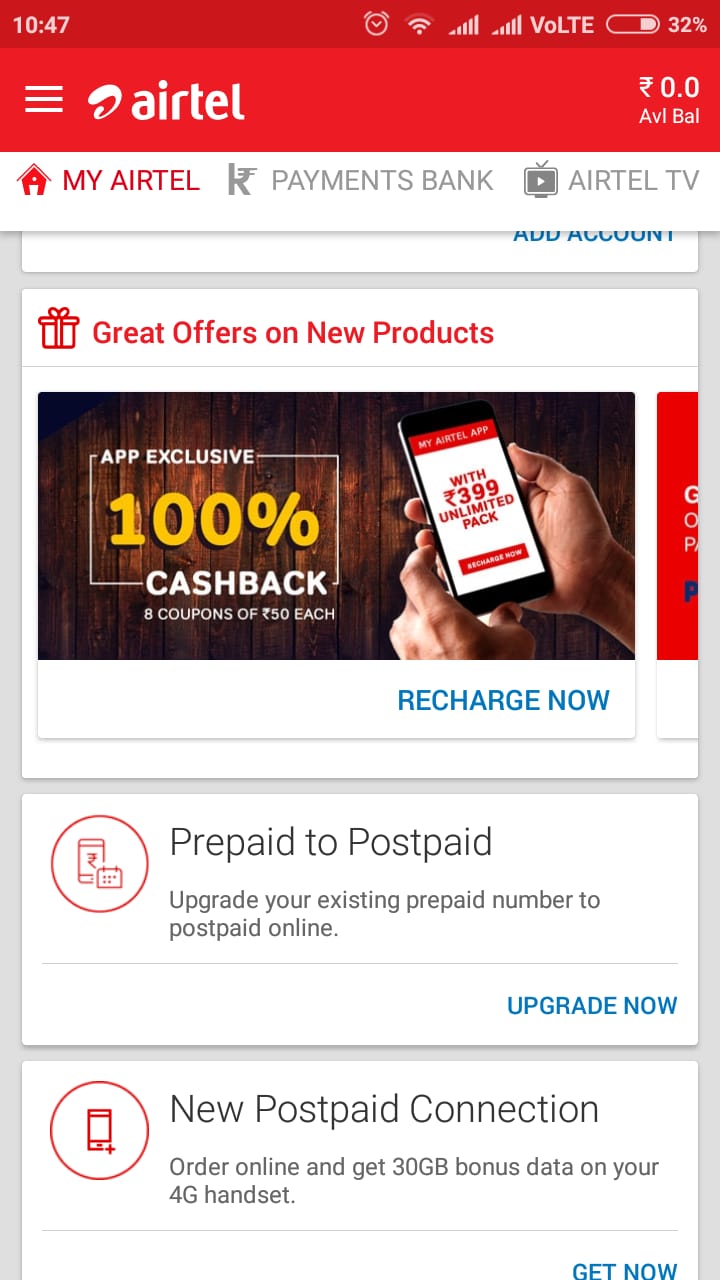
Offers not applicable to Airtel customers - as a BSNL subscriber for several years, I enjoyed double benefits of cashbacks plus limited time offers like full talk time by recharging the number through private portals like Paytm. Soon after becoming an Airtel subscriber I observed that such offers (especially full/extra TT) are exclusive to Airtel’s app/website and different ones are available at private portals.
Not allowing recharge from the balance - this came as a major disappointment. I am used to maintaining good amount as prepaid balance, often above ₹500. With the advent of unlimited plans like ₹349, I was shocked when I discovered that the existing balance could not be used to recharge the so-called *best offers*. According to the customer care, I could use the balance to activate data packs or rate cutters. Who on the earth would need them when one is on an unlimited plan?!
Not truly unlimited - Despite advertising unlimited voice, calls to premium numbers like the 1860 series costs ₹2/minute
Deliberately hiding cost-effective recharge options in the app - Rate cutters, for instance, are not shown in the My Airtel app at all. Even on the website (which is no less than a maze), one has to exercise options carefully for the rate cutters to be shown.
Result
I am now on Jio, India’s most transparent telecom operator who is serious about offering a great experience to the entire customer base. Jio app ecosystem is making the service even more attractive. BSNL will continue to be my secondary number hereafter.
I was in the process of setting up Nginx to serve as the reverse proxy for Nexus Repository Manager OSS. However, the Nexus repository started loading really slowly post this and used to repeatedly display disconnected and reconnected messages. The Nginx log file used to log the below error -
[error] 3240#3632: \*1 upstream timed out (10060: A connection attempt failed because the connected party did not properly respond after a period of time, or established connection failed because connected host has failed to respond) while connecting to upstream, client: , server: , request: "GET /nexus HTTP/1.1", upstream: "http://[::1]:8081/nexus", host: ""